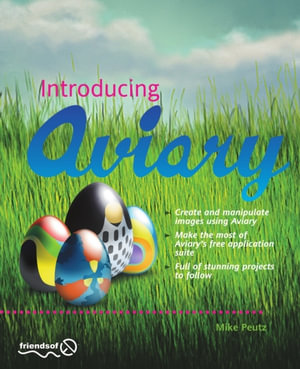
The world is changing. Where before you needed to purchase and install big and expensive programs on your computer in order to create stunning images, you can now do it all online for free using Aviary. Aviary is an online collection of applications that enable you to upload and modify your own photographs and images, and create new imagery from scratch. It includes a powerful photo-manipulation tool called Phoenix, a vector-drawing application called Raven, an effects suite for creating eye-watering image effects called Peacock, and much more. Introducing Aviary takes you through all of these tools, showing you how to use each tool individually and also how to combine the tools across the suite to create some truly stunning artwork.
- Get familiar with the Aviary suite of applications.
- Follow friendly, detailed instructions for creating and manipulating artwork in each application.
- Manage your creations online to get the most out of Aviary???s features.
What you???ll learn
Starting from the absolute basics, you???ll learn:
- How to navigate the Aviary web site, including launching the tools, setting up your user profile, and storing and viewing images in the gallery
- How to upload and edit your first images with Phoenix
- How to create stunning image effects with Peacock
- How to build exciting and harmonious color schemes with Toucan
- How to create vector logos and icons with Raven
- How to combine the full suite of applications to create incredible artwork
Who this book is for
Users wanting to create and manipulate artwork without resorting to bulky, expensive applications.
Table of Contents
- Introduction
- An Overview of Aviary
- Creating Images with Phoenix
- Image Manipulation with Phoenix
- Creating Vectors with Raven
- Creating Effects with Peacock
- Creating Patterns and Images with Peacock
- Creating Color Palettes with Toucan
- Application Switching
- Conclusion and the Future of Aviary