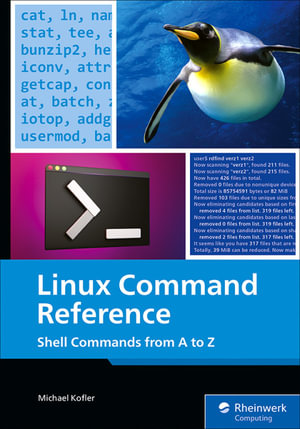
A comprehensive reference for mastering Linux shell commands. From basic to advanced, this guide covers commands, bash scripting, system management, special bash characters, and keyboard shortcuts to boost your productivity.
Key Features
- Covers key Linux commands and their practical applications for effective system management
- Explores bash scripting and special characters to enhance your command-line productivity
- Provides clear guidance on configuration files and system optimization techniques
Book Description
This guide takes readers through the essentials of Linux commands, starting with basic commands and progressing to advanced techniques. The first few sections focus on foundational commands and their practical applications. As the book progresses, it introduces more complex concepts, including bash scripting, advanced command usage, and system management techniques. This ensures readers build a strong command-line proficiency step by step. The book's structure is organized alphabetically from A to Z, making it easy to find and reference commands. It also covers important special bash characters and configuration files, essential for system administrators. Readers will also learn about efficient keyboard shortcuts that can enhance productivity when working in the terminal. By the end of the book, readers will be equipped with the tools to effectively manage Linux systems, automate tasks with scripts, and troubleshoot common issues. With this knowledge, users will gain confidence in navigating and optimizing their Linux environments.
What you will learn
- Master essential Linux commands, utilize bash scripting for efficient work
- Configure Linux systems for optimal performance
- Navigate through special characters for advanced shell usage
- Learn how to optimize Linux environments with custom scripts
- Manage configuration files for system administration
- Use keyboard shortcuts to boost productivity
Who this book is for
This book is ideal for Linux system administrators, developers, and anyone eager to enhance their command-line skills. Readers should have a basic understanding of the Linux terminal and some familiarity with simple commands. It's perfect for those looking to expand their knowledge of Linux and become more efficient in daily tasks.