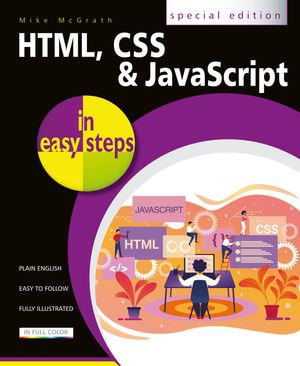
Everything you need to get to grips with HTML, CSS and JavaScript - the three coding languages that are used to create modern web pages - all in easy steps!
HTML, CSS & JavaScript in easy steps instructs the reader on each of the three coding languages that are used to create modern web pages; HyperText Markup Language (HTML) tags are used to control the structure of web page content, Cascading Style Sheets (CSS) rules are used to determine how web page content appears, and JavaScript functions are used to provide web page interactivity.
HTML, CSS & JavaScript in easy steps contains examples and screenshots that illustrate each feature of all three coding languages. You'll learn how to create web pages to display text, images, lists, tables, hyperlinks, forms, audio, and video. Each chapter builds your knowledge so by the end of the book you'll have gained a sound understanding of HTML markup, CSS rules and JavaScript functions.
HTML, CSS & JavaScript in easy steps has an easy-to-follow style that will appeal to anyone who wants to create great functional web pages. It will appeal to programmers who want to quickly add web page coding to their skills set, and to the student who is studying website design at school or college, and to those seeking a career in web development.
Table of Contents:
- Get Started in HTML
- Manage Page Content
- Insert Hyperlinks
- Arrange Page Sections
- Write Lists and Tables
- Embed Media Content
- Create Input Forms
- Get Started in CSS
- Manage the Box Model
- Manipulate Text Styles
- Organize Tables and Lists
- Generate Effects
- Control the Web Page
- Design with Grids
- Get Started in JavaScript
- Perform Useful Operations
- Manage the Script Flow
- Use Script Objects
- Control Numbers and Strings
- Address the Window Object
- Interact with the Document