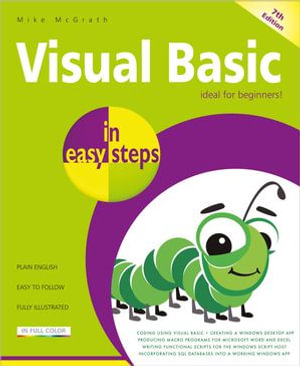
Now in its 7th edition, Visual Basic in easy steps shows how to create Windows applications using the latest Visual Studio Community programming environment. Using examples with free downloadable code, this renowned guide covers:
- Form controls, application properties, the programming language, live code analysis, problem-solving and debugging techniques.
- Creating macros for Word and Excel in Microsoft Office, using VBA.
- Manipulating files and data using VBScript.
- Incorporating external data into your applications from text files, Excel spreadsheets, XML documents, live RSS web feeds, and SQL databases.
Ideal for anyone wanting to quickly understand Visual Basic fundamentals and master the key techniques. By the end of the book, you'll be creating your own interactive applications!
Visual Basic in easy steps, 7th edition has an easy-to-follow style that will appeal to anyone who wants to begin Windows programming, including:
- Programmers who want to quickly learn the latest Visual Basic techniques.
- Students who are studying computing at school or college.
- Those seeking a career in Information Technology who need a thorough understanding of Visual Basic programming.
Updated for Visual Basic 2022 edition (Visual Basic 17.0).
Table of Contents:
- Getting started
- Setting properties
- Using controls
- Learning the language
- Building an application
- Solving problems
- Extending the interface
- Scripting with Visual Basic
- Harnessing data
- Employing databases